
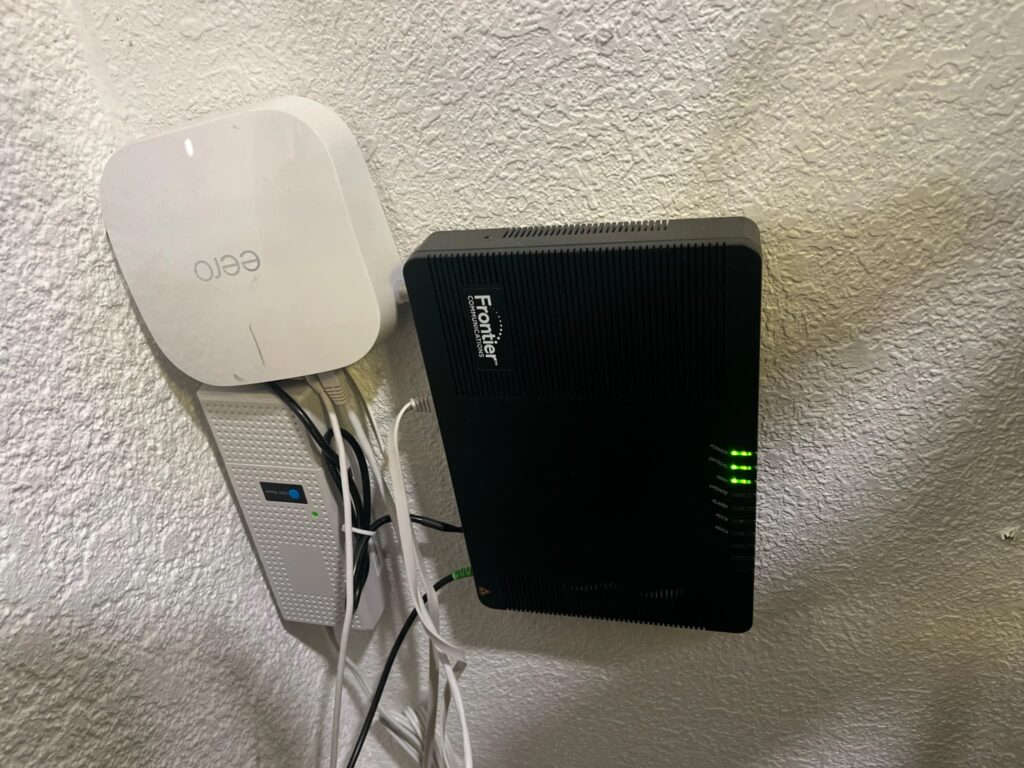
If you’re thinking, “after a power outage my WiFi router stopped working intermittently,” you’re not alone. Homeowners commonly notice unstable internet connections after blackouts, brief outages, or electrical surges. In many homes, this problem appears suddenly: Wi-Fi drops every few minutes, the router restarts on its own, or the internet works for a while and then disappears again.
This situation is very common after power outages or surges. Sometimes it’s a temporary glitch caused by improper startup or ISP issues. Other times, it’s hardware-related, such as a damaged power adapter or corrupted firmware. The key is knowing which one you’re dealing with — and what you can safely check yourself.
Why a Router Becomes Unstable After a Power Outage
Network technicians often explain that routers are sensitive to sudden changes in power. When electricity goes out and comes back on, several things can go wrong internally.
First, a voltage spike or dip can stress electronic components, even if nothing looks burned or broken. Second, the router may not initialize properly after an abrupt shutdown. Third, the power adapter itself may become unstable, delivering inconsistent voltage. Finally, in rare cases, the router’s firmware can become partially corrupted.
Any of these can lead to intermittent WiFi after a power outage — a router that works briefly, then disconnects, then reconnects again.
Is This Temporary or a Sign of Damage?
This is the most important question.
Temporary issues
In most cases, router instability right after a blackout is temporary. It may be caused by:
- Incomplete startup
- ISP network resynchronization
- Temporary modem or line issues
- Cached errors in the router’s memory
These usually resolve within minutes or hours.
Hardware-related problems
Sometimes the outage does cause subtle damage. Warning signs include:
- Self-reboots without warning
- Internet drops every 5–30 minutes
- The router feeling unusually warm
- Blinking or frozen indicator lights
- Settings resetting on their own
If you’re noticing these symptoms, the router may be unstable after the power outage due to internal damage.
Related reading:
After a power outage my fridge is running but not cooling properly
(This shows how appliances can behave strangely after power disruptions.)
Most Common Reasons This Happens
Power Surge Damaged the Power Adapter
A very common cause of router keeps disconnecting after outage problems is a weakened power adapter.
Even if the router itself survived, the adapter may now deliver unstable voltage. That causes random restarts, signal drops, or incomplete boot cycles.
Firmware Corruption After Sudden Shutdown
Routers store critical data in internal memory. A sudden loss of power can interrupt a write process, leading to partial firmware corruption.
This often shows up as:
- Lost settings
- WiFi drops
- Router freezing
- Reboot loops
Router Overheating After Outage
If the internal voltage regulator was stressed, it may now run hotter than before.
Homeowners commonly notice that their router feels warm to the touch and starts disconnecting more often. Overheating can trigger internal safety shutdowns.
ISP Modem or Line Issues After Power Restoration
Sometimes the problem isn’t your router at all.
After a blackout, your ISP’s local equipment may take time to stabilize. This causes:
- Internet drops after power outage
- Slow or unstable connectivity
- Intermittent service
Always rule this out before assuming hardware damage.
What You Can Check Yourself (Safe Steps)
These steps are safe, quick, and require no technical skills.
1. Fully power off the router
- Unplug the router and modem
- Leave both disconnected for 10–15 minutes
- Plug the modem back in first
- Wait 2–3 minutes
- Then plug in the router
This clears temporary memory errors.
2. Try a different power adapter
If you have a compatible spare adapter, test it.
Unstable power is one of the top causes of router unstable after power outage behavior.
3. Reset router settings (if needed)
Only do this if the problem continues.
- Use the reset button for 10–15 seconds
- Reconfigure your WiFi
This fixes many firmware-related issues.
4. Check the router’s temperature
- Touch the top and bottom of the unit
- It should feel warm, not hot
- If it’s very hot, unplug it and let it cool
5. Test a wired connection
Connect a device directly with an Ethernet cable.
If the wired connection is stable but WiFi drops, the issue is wireless-specific.
If both drop, the router or ISP line is likely involved.
⚠️ Important safety notes:
- Do not open the router
- Do not flash firmware unless necessary
- Do not continue using a visibly overheating device
What NOT to Do
Avoid these common mistakes:
- Ignoring overheating
- Reflashing firmware without diagnosis
- Continuing to use a damaged or unstable power adapter
- Assuming the router is dead immediately
In many homes, simple steps fix the issue.
How Long Should Router Instability Last?
Here’s a realistic timeline.
5–30 minutes
Normal temporary glitch.
Usually ISP resync or startup issues.
A few hours
Likely power adapter or firmware issue.
Often resolved by power cycling or reset.
Days
Strong sign of hardware damage.
The router may be permanently unstable.
When Replacement Makes More Sense Than Repair
In most cases, routers aren’t worth repairing internally.
Replacement makes sense if:
- Instability doesn’t improve
- The router overheats
- It restarts frequently
- It loses settings repeatedly
- It’s several years old
This doesn’t mean catastrophic failure — just that the internal components may no longer be reliable.
How to Prevent This in the Future
Network technicians often explain that prevention is simple.
Use a surge protector
Plug your router and modem into a surge-protected power strip.
Consider a small UPS
A basic uninterruptible power supply keeps your router running during short outages and protects against surges.
Unplug during severe storms
If lightning or repeated outages are expected, unplug sensitive electronics.
Related guide:
After replacing batteries smoke detector still beeps
(Another example of electronics behaving strangely after power disruptions.)
FAQ
Is it normal for WiFi to be unstable after a power outage?
Yes. In most cases, it’s temporary and caused by improper startup, ISP resync, or cached errors.
Can a power outage damage a WiFi router?
Yes, but it’s not always severe. Power surges can weaken power adapters or internal regulators.
Why does my router keep disconnecting after an outage?
Common reasons include unstable power, firmware corruption, overheating, or ISP line issues.
Should I reset my router after a blackout?
If instability continues after a power cycle, a reset can help fix firmware-related issues.
How do I know if my router was damaged by a surge?
Warning signs include overheating, random restarts, blinking lights, and persistent disconnects.
Final Takeaway
If after a power outage my WiFi router stopped working intermittently, it doesn’t automatically mean your router is dead.
In most cases, the problem is temporary or caused by unstable power, startup glitches, or ISP issues. A simple 10–15 minute check — power cycling, testing the adapter, and checking temperature — often restores stability.
If problems persist for days, the router may have been weakened by a surge. At that point, replacement usually makes more sense than repair.
The key takeaway:
This is common, usually fixable, and rarely catastrophic.